

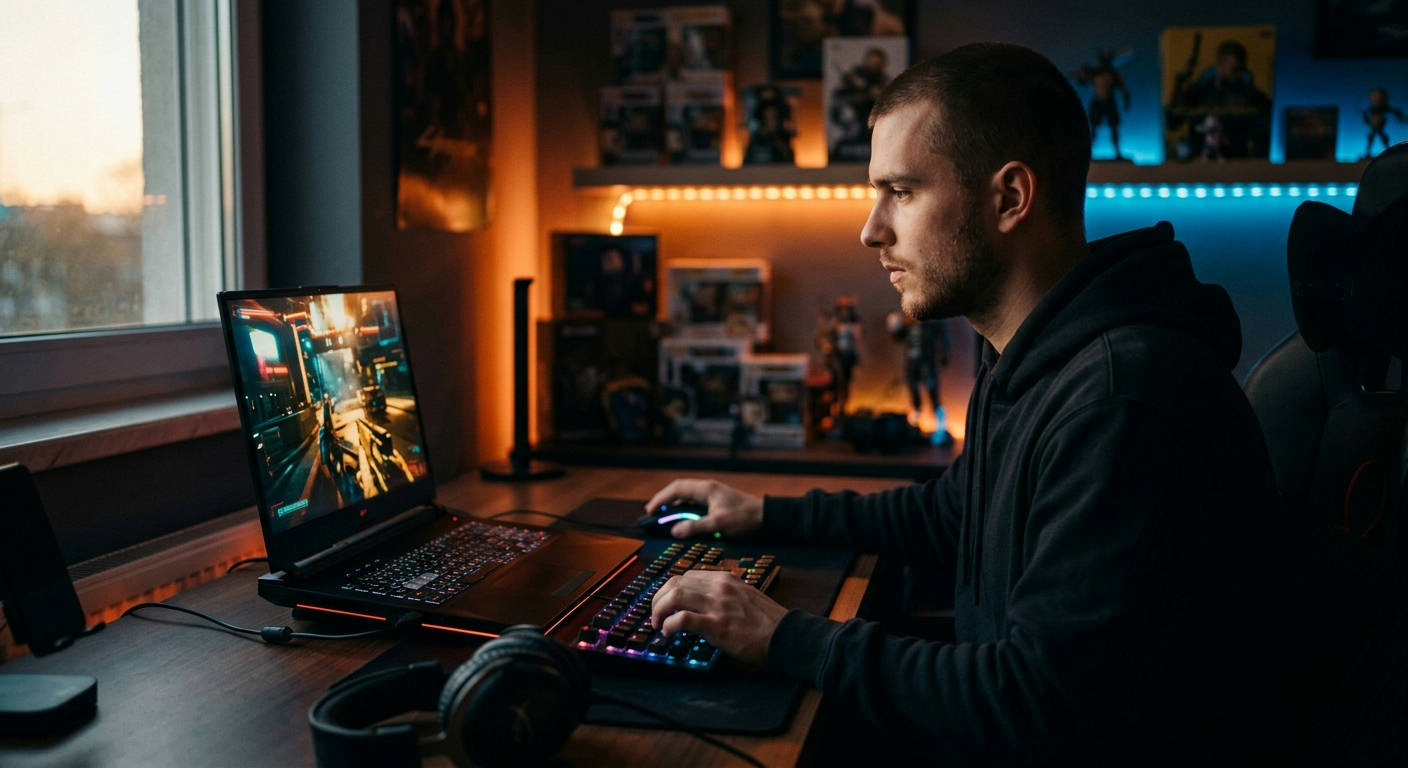
The landscape of portable high-performance computing has shifted dramatically by 2026. Finding the best gaming laptops under 1500 with RTX graphics is no longer about settling for entry-level hardware; it is about finding the sweet spot where engineering efficiency meets raw power. At Laptop Review Pro, our team has spent thousands of hours benchmarking the latest mobile GPUs to ensure you get the most frames per dollar.
When you are shopping in the sub-$1500 tier, you are typically looking for an NVIDIA GeForce RTX 4060 or 4070 Laptop GPU. These cards represent the gold standard for 1080p and 1440p gaming in the current year. Our team of experts, whose biographies you can read on our authors page, has narrowed down the essential criteria for selecting a machine that won't become obsolete in twelve months.
Understanding the RTX Value Proposition in 2026
The integration of NVIDIA’s Ada Lovelace architecture has fundamentally changed how we perceive budget gaming. By 2026, features like DLSS 3.5 and Frame Generation have become mandatory rather than optional, allowing sub-$1500 laptops to punch well above their weight class.
The Role of Ray Tracing and Tensor Cores
Ray tracing, once a gimmick, is now a foundational part of the gaming experience. Modern RTX cards utilize dedicated RT cores to handle complex lighting, reflections, and shadows without cratering your frame rate.
When shopping under $1500, ensure the laptop explicitly states it supports the latest DLSS software suite. This technology uses AI upscaling to render frames at a lower resolution and then reconstructs them, effectively doubling your FPS in demanding titles.
Why TGP (Total Graphics Power) Matters More Than Model Numbers
Not all RTX 4060 GPUs are created equal. A "low-wattage" version of a card will perform significantly worse than a "full-power" version due to thermal throttling and power limits.
Always check the TGP or TBP (Total Board Power) rating in the manufacturer’s specifications. In 2026, you want to aim for a minimum of 100W for an RTX 4060 to ensure you are getting the performance you paid for. You can find more details on how we test these performance metrics on our sample page.
Essential Specifications Beyond the GPU
While the graphics card is the star of the show, your gaming laptop is a system, not just a chip. If your CPU or RAM cannot keep up, you will experience "bottlenecking," where your high-end RTX GPU sits idle because the rest of the system is struggling to feed it data.
CPU Requirements for 2026 Gaming
For a gaming laptop in this price range, look for at least an Intel Core i7 (15th or 16th Gen) or an AMD Ryzen 7 8000/9000 series processor. These chips are highly efficient and handle modern multi-threaded games with ease.
Gaming performance relies heavily on single-core clock speeds. Ensure your chosen CPU has a boost clock exceeding 4.5GHz to minimize latency in competitive multiplayer titles.
The RAM and Storage Minimums
16GB of DDR5 RAM is the absolute baseline for 2026. If you find a deal that includes 32GB, jump on it, but don't overspend; many laptops allow for user-upgradable memory, which is a great way to save money.
Storage-wise, 1TB of NVMe SSD space is the minimum requirement. Modern titles frequently exceed 150GB, and mechanical hard drives are a thing of the past. If you need more info on how display and build quality impact your experience, check out our typography post elements guide for a deeper look at hardware design aesthetics.

"The true performance of a laptop is not found in the marketing brochure, but in the thermal management system that keeps the silicon from throttling under heavy loads." — Lead Analyst, Laptop Review Pro.
Cooling Solutions: The Silent Performance Killer
One of the most common mistakes buyers make is ignoring the cooling system. Even the fastest RTX 4070 will underperform if the laptop chassis cannot dissipate heat efficiently. In 2026, we are seeing advanced cooling technologies becoming standard even in mid-range devices.
Liquid Metal vs. Traditional Thermal Paste
Many high-end gaming laptops under $1500 are now utilizing liquid metal thermal interface material. This provides significantly better heat conductivity than traditional paste, keeping your CPU and GPU cooler for longer gaming sessions.
Look for reviews that specifically mention "thermal headroom." This refers to the ability of the laptop to maintain boost clocks during extended gameplay without causing the chassis to become uncomfortably hot.
Airflow and Chassis Design
Look for laptops with intake vents on the bottom and large exhaust vents on the back and sides. A raised rear design, which lifts the intake fans slightly off the desk, can improve airflow by up to 15%.
For further reading on hardware longevity and thermal physics, you can visit the thermal engineering resources provided by major engineering societies.
Display Technology and Refresh Rates
You cannot enjoy your RTX-powered graphics if your screen looks washed out or ghosty. In 2026, a high-quality display is non-negotiable for anyone serious about gaming.
Refresh Rate vs. Resolution
For most players, 144Hz is the sweet spot. While 240Hz or 360Hz monitors are impressive, they are often overkill for most AAA gaming scenarios under $1500.
Prioritize 1440p (QHD) resolution over 1080p (FHD). At 2026 standards, 1440p offers a noticeably sharper image density, especially on 15.6-inch or 16-inch screens.
Panel Types: IPS vs. OLED
IPS panels offer the best color accuracy and viewing angles for the price. However, OLED is becoming more accessible in the sub-$1500 range. OLED offers infinite contrast and near-instant response times, which is a massive upgrade for competitive gamers.
The Software Ecosystem and NVIDIA Features
Hardware is only half the battle. NVIDIA’s software stack is a major reason why GeForce cards remain the industry leader in 2026.
DLSS 3.5 and Frame Gen
As mentioned earlier, DLSS 3.5 is the secret weapon for budget-conscious gamers. It utilizes AI to predict and generate frames, making games look smoother even if your GPU is under heavy load.

Make sure your drivers are always up to date using the GeForce Experience app. NVIDIA updates their drivers monthly to optimize for the latest game releases, providing a noticeable performance uplift.
G-Sync Compatibility
Look for laptops that support G-Sync or FreeSync. These features synchronize your monitor's refresh rate with your GPU's output, effectively eliminating screen tearing and stuttering.
According to industry standards, adaptive sync technology is vital for maintaining visual fidelity during high-action sequences in fast-paced games.
"When you are on a budget, every frame counts. NVIDIA's frame generation tech is the difference between a playable 40 FPS and a silky-smooth 90 FPS." — Gaming Benchmarks Expert.
Portability vs. Power: Choosing Your Form Factor
Are you a student, a traveling professional, or a home-based gamer? Your choice of laptop should reflect your mobility needs.
Thin and Light Gaming Laptops
If you carry your laptop daily, look for a model that weighs under 4.5 pounds. These often have lower wattage GPUs but are significantly easier to transport.
The trade-off here is battery life and fan noise. Thinner chassis have less room for cooling, meaning the fans have to spin faster to keep the components safe.
Desktop Replacements
If the laptop stays on your desk 90% of the time, feel free to go for a bulkier 17-inch model. These machines usually have superior cooling and larger batteries, and they often allow for easier hardware upgrades down the line.
Frequently Asked Questions (FAQ)
Can I upgrade the GPU in my gaming laptop later?
No. In 2026, mobile GPUs are soldered directly onto the motherboard to save space and improve performance. Always buy the best GPU you can afford upfront.
What is the expected battery life for these laptops?
While gaming, most laptops will last between 1.5 and 3 hours. For general tasks like web browsing or streaming, you can expect between 6 and 9 hours on modern 2026 models with efficient power management.
Do I really need 32GB of RAM for gaming?
For 95% of current games, 16GB is sufficient. However, if you are also streaming, video editing, or keeping dozens of browser tabs open, 32GB is highly recommended for a smooth experience.
Is it worth buying a refurbished laptop under $1500?
Refurbished units can offer a massive performance jump, potentially getting you an RTX 4080 if you are lucky. Only buy from reputable retailers that offer at least a one-year warranty.
Conclusion
Finding the best gaming laptop under 1500 with RTX graphics requires a balance of current-gen hardware, smart cooling, and personal usage patterns. By prioritizing a high-wattage RTX 4060 or 4070, ensuring your system has at least 16GB of DDR5 RAM, and choosing a quality 1440p panel, you are setting yourself up for years of high-performance gaming.
At Laptop Review Pro, we believe that you shouldn't have to break the bank to enjoy the latest titles. With the advancements made by 2026, the mid-range market has never been more competitive or more powerful. Use the criteria outlined in this guide to make an informed decision, and check out our home page for more buying guides and technical deep dives into the world of portable computing. Whether you are an esports athlete or a casual explorer of digital worlds, there is a perfect machine waiting for you.
