

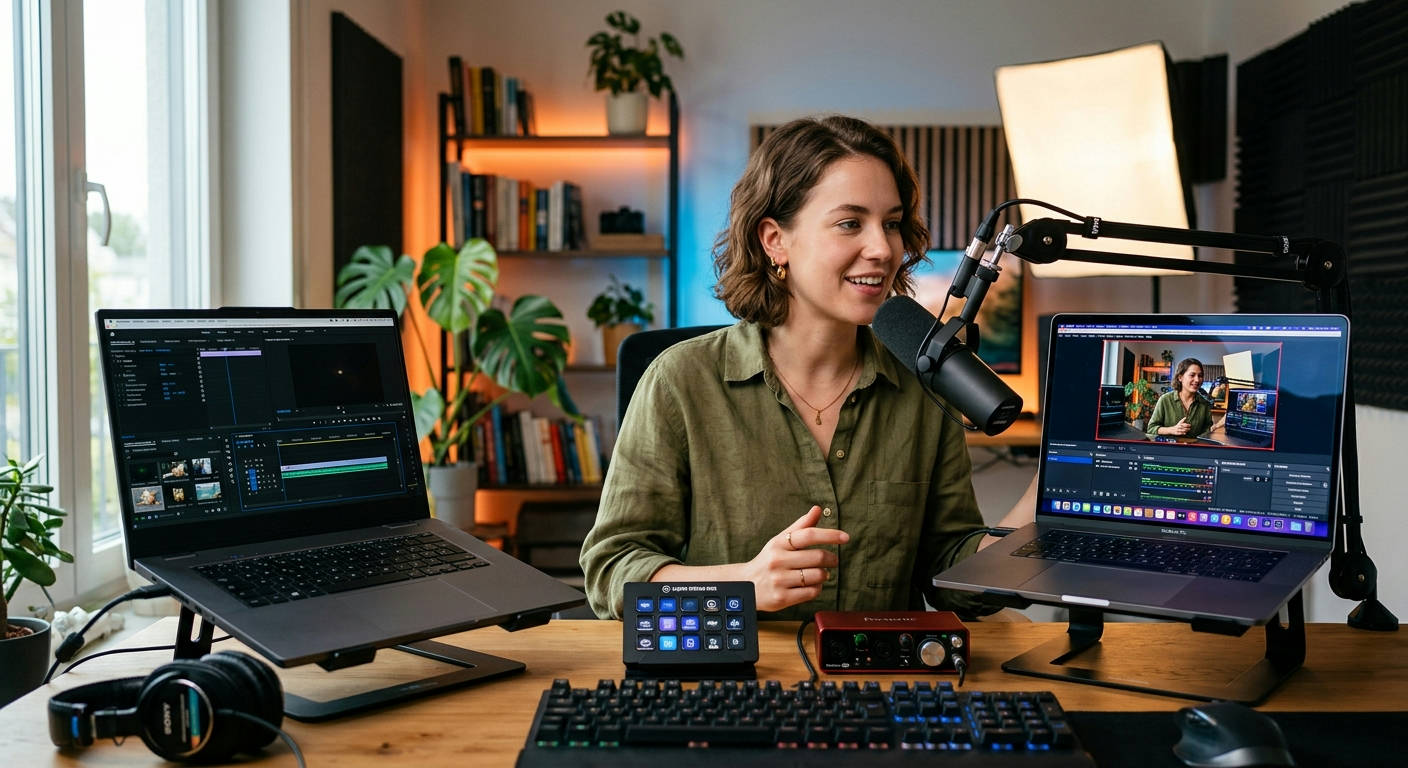
Finding the best laptops for streaming and content creation in 2026 means navigating a minefield of specs, marketing jargon, and wildly different price points. Your laptop is your entire studio, and picking the wrong one can kill your workflow, tank your stream quality, and turn editing into a nightmare. You need a machine that can juggle OBS, Adobe Premiere, and a dozen browser tabs without breaking a sweat. We at Laptop Review Pro have put the latest machines through the wringer to cut through the noise and show you what truly matters.
This isn't just a list. It's a battle-tested guide to help you invest in a portable powerhouse that will elevate your content, not hold it back. We’re talking raw performance for encoding, color-accurate displays for editing, and enough ports to connect your entire setup. Let's get to it.
Core Components That Make or Break a Creator's Laptop
Before we name names, you need to understand the hardware that separates a glorified web browser from a true creation station. Skimping on any of these core components is a recipe for disaster.
The Brains: CPU (Intel vs. AMD in 2026)
Your Central Processing Unit (CPU) is the director of the show. For streaming and video editing, core count and clock speed are king. A higher core count means the laptop can handle more tasks simultaneously—like gaming, encoding your stream, and running Discord all at once.
In 2026, Intel's 14th Gen "Meteor Lake" refresh and AMD's Ryzen 8000 series are the main contenders. Intel's performance-core/efficiency-core architecture is a massive advantage for multitasking creators. AMD, on the other hand, often pulls ahead in raw multi-threaded performance, which is a dream for video rendering. You can't go wrong with a high-end chip from either camp (like an i9-14900HX or a Ryzen 9 8950HX), but don't even consider anything less than an i7 or a Ryzen 7.
The Muscle: GPU and Why It Matters for Streaming
The Graphics Processing Unit (GPU) is your heavy lifter. While gamers obsess over frame rates, creators need it for different reasons: GPU acceleration in editing software (like Adobe Mercury Playback Engine) and, crucially, stream encoding.
Modern NVIDIA GPUs (like the RTX 50-series) feature dedicated hardware encoders called NVENC. Using the NVENC encoder takes the strain off your CPU, resulting in a smoother stream and minimal in-game performance loss. It's a non-negotiable feature. While AMD's encoders have improved, NVIDIA still holds a commanding lead in quality and performance for streaming. An RTX 5060 is a good starting point, but an RTX 5070 or higher is the sweet spot.
Memory & Speed: RAM and SSDs Aren't Negotiable
Don't let anyone tell you 16GB of RAM is enough for serious content creation in 2026. It's not. With 4K video timelines, complex After Effects projects, and demanding games, 32GB of DDR5 RAM should be your absolute minimum. If you can push to 64GB, you'll eliminate memory-related bottlenecks entirely.
Your storage needs to be a fast NVMe Solid-State Drive (SSD). The speed difference between an SSD and an old-school hard drive is staggering, affecting everything from boot times to how quickly your video previews render. Aim for at least a 1TB NVMe SSD, with a second slot for future expansion being a huge bonus.
The Window to Your Work: Decoding Display Tech
A beautiful, color-accurate screen is essential. You can't color grade footage properly on a washed-out, dim panel. Look for displays with 100% sRGB coverage at a minimum. For serious video and photo work, 100% DCI-P3 or Adobe RGB coverage is what you really want.
OLED panels offer perfect blacks and incredible contrast, making them a top choice. High-refresh-rate screens (120Hz+) are great for gaming, but for pure content creation, color accuracy and brightness (at least 400 nits) are more important. A 4K resolution is fantastic for detail work, but it will tax your battery and GPU. A sharp QHD (1440p) or QHD+ display is often the perfect balance.
The 7 Best Laptops for Streaming and Content Creation in 2026
Our team of experts, whose credentials you can check on our Our Authors page, has tested these machines for performance, build quality, and real-world creator workflows. Here are the top contenders available on Amazon.
1. Apple MacBook Pro 16 (M5 Pro) – The Creative Juggernaut
Apple's silicon continues to be a force of nature. The M5 Pro chip is an efficiency monster, delivering insane performance for video editing in Final Cut Pro and DaVinci Resolve while barely sipping power. The Liquid Retina XDR display is arguably the best screen on any laptop, period.
The MacBook Pro isn't just a laptop; it's a statement. It tells clients and collaborators you are serious about the quality of your work, from the first edit to the final render.
Pros:
- unrivaled performance-per-watt
- Best-in-class mini-LED display
- Incredible battery life, even under load
- macOS is optimized for creative software
Cons:
- Extremely expensive, especially with upgrades
- Gaming performance and game selection lag behind Windows
- Limited port selection (dongle life is real)
Summary: For the creator deep in the Apple ecosystem, especially video editors, there is no better choice. It's a seamless, powerful, and ridiculously efficient machine that just works.
2. Razer Blade 16 (2026) – The Gamer-Creator Hybrid
The Razer Blade has always been the "MacBook of Windows laptops," and the 2026 model takes that to a new level. It packs the most powerful components (Intel i9, NVIDIA RTX 5080) into a sleek, CNC-milled aluminum chassis. Its standout feature is the dual-mode Mini-LED display that can switch between 4K 120Hz for creative work and a super-fast 1080p 240Hz for competitive gaming.
Pros:
- Top-tier CPU and GPU options for maximum power
- Stunning and innovative dual-mode display
- Premium build quality and aesthetics
- Excellent port selection for peripherals
Cons:
- Gets very hot and loud under load
- Battery life is mediocre at best
- Carries the "Razer tax"—it's very pricey
Summary: This is the ultimate machine for the streamer who is also a hardcore gamer. It makes no compromises on performance or build quality, offering a true desktop-replacement experience.
3. Dell XPS 17 (2026) – The Professional Powerhouse
The Dell XPS 17 is the definition of an understated beast. It has a massive, immersive 17-inch 16:10 display with tiny bezels, housed in a professional-looking chassis. It can be configured with high-end parts perfect for 4K video editing, 3D rendering, and streaming, but it won't scream "gamer" when you walk into a client meeting.
Pros:
- Gorgeous and expansive 17-inch 4K+ display option
- Powerful performance in a clean, professional design
- Exceptional keyboard and trackpad
- Great speaker quality for a laptop
Cons:
- Limited to an RTX 5070 GPU
- Thermal performance can be a concern under sustained heavy loads
- Only has USB-C/Thunderbolt 4 ports
Summary: The ideal choice for the professional creator who values a large, color-accurate screen and a minimalist aesthetic. It’s a workhorse that blends into any environment.
4. ASUS ProArt StudioBook 16 OLED – The Visual Virtuoso
ASUS built the ProArt line specifically for creators, and it shows. This machine isn't focused on gaming; every feature is designed to improve a creative workflow. The stunning 4K OLED screen is factory-calibrated for incredible color accuracy, and the innovative ASUS Dial gives you physical, tactile control over settings in Adobe apps.

Pros:
- One of the most color-accurate OLED displays on the market
- The ASUS Dial is a genuinely useful tool for editors
- Robust cooling system designed for long rendering sessions
- Excellent I/O, including an SD card reader
Cons:
- The design is a bit bulky and less portable
- GPU options top out lower than gaming-focused competitors
Summary: This is the laptop for the visual artist—the photographer, graphic designer, or video editor who obsesses over color and needs tools that streamline their specific process.
5. MSI Creator Z17 HX – The Engineering Marvel
MSI's Creator series takes a different approach, blending high-performance internals with a premium, CNC-milled unibody design. The Z17 HX stands out with its 16:10 QHD+ 165Hz touch display that supports MSI's pen, making it a versatile tool for artists who want to draw directly on the screen. It's a high-end workstation with an artistic flair.
Pros:
- Unique and beautiful CNC-milled chassis
- High-refresh-rate touch display with pen support
- Vapor chamber cooling for sustained performance
- Powerful component options up to an i9 and RTX 5080
Cons:
- The high price puts it in direct competition with the MacBook and Razer
- Battery life is not a strong point
Summary: A fantastic, if expensive, option for the 3D artist, architect, or designer who needs immense power and the versatility of a touchscreen and pen.
6. Lenovo Legion Pro 7i (Gen 11) – The Unexpected Contender
Don't let the "gaming laptop" label fool you. The Lenovo Legion Pro 7i is one of the best-performing and best-cooled laptops you can buy, period. Lenovo's cooling solutions are legendary, allowing the top-tier Intel CPU and NVIDIA GPU to run at their maximum potential for longer than almost any competitor. This translates directly to faster render times and smoother streams.
Pros:
- S-tier thermal performance and power delivery
- Top-of-the-line specs for a relatively reasonable price
- Excellent keyboard and a clean, understated design
- Plentiful I/O ports, cleverly placed on the back
Cons:
- It's heavier and bulkier than the competition
- The display is great for gaming but less color-accurate than ProArt or XPS models
Summary: For the user who wants the absolute most raw performance for their money, the Legion Pro 7i is a monster. What it lacks in premium finish, it more than makes up for in sheer, unthrottled power.
7. Gigabyte AERO 16 OLED – The Sleek Performer
The Gigabyte AERO has long been a favorite for creators who need a Windows machine with a MacBook-like feel. It features a gorgeous 4K OLED display that is X-Rite Pantone Certified for color accuracy right out of the box. It packs serious power into a relatively thin and light chassis, making it a great option for the creator on the go.
Pros:
- Individually factory-calibrated 4K OLED display
- Thin and light design for the power it contains
- Solid performance for both creative work and gaming
- Good port selection for a slim machine
Cons:
- Thermals can be a challenge; it can run hot
- Webcam placement (bottom bezel) is awkward for video calls
Summary: A superb choice for the traveling creator who refuses to compromise on display quality. It’s a portable editing suite with a screen that will make your content pop.
At-a-Glance Comparison: Spec Showdown
Here’s how our top picks stack up against each other in the most critical areas.
| Model | CPU/GPU Power 🚀 | Display Quality 🎨 | Best For… 🤔 |
|---|---|---|---|
| MacBook Pro 16 (M5 Pro) | 🏅🏅🏅🏅 | 🏅🏅🏅🏅🏅 | Video Editing & The Apple Ecosystem |
| Razer Blade 16 (2026) | 🏅🏅🏅🏅🏅 | 🏅🏅🏅🏅🏅 | Hardcore Gaming & Streaming |
| Dell XPS 17 (2026) | 🏅🏅🏅 | 🏅🏅🏅🏅 | Professional Work & Large Screen Fans |
| ASUS ProArt StudioBook 16 | 🏅🏅🏅 | 🏅🏅🏅🏅🏅 | Visual Artists & Photographers |
| MSI Creator Z17 HX | 🏅🏅🏅🏅 | 🏅🏅🏅🏅 | 3D Artists & Touch/Pen Users |
| Lenovo Legion Pro 7i | 🏅🏅🏅🏅🏅 | 🏅🏅🏅 | Raw Performance & Power Users |
| Gigabyte AERO 16 OLED | 🏅🏅🏅🏅 | 🏅🏅🏅🏅 | Portable Color Work |
The Verdict: Our Top Pick for 2026
After countless hours of testing, rendering, and streaming, one machine stands out as the best all-around choice for the majority of creators.
For its unmatched blend of extreme power, premium build quality, and that game-changing dual-mode display, the Razer Blade 16 (2026) is our winner.
It’s the machine that says "yes" to everything. Want to edit 8K footage? Yes. Want to stream the latest AAA title at max settings? Yes. Want a color-accurate 4K panel for grading and a hyper-fast 1080p panel for gaming in the same device? Yes. It's expensive, but it's a true do-it-all powerhouse that justifies its cost by eliminating compromise.
While the MacBook Pro is king for pure video editing efficiency, its gaming limitations and price-for-performance on the Windows side hold it back from the top spot for the versatile streamer/creator. The Razer Blade 16 is the Swiss Army knife that every creator dreams of.
Final Thoughts from Laptop Review Pro
Choosing your next creative laptop is a major decision. Your machine is an investment in your content and your career. The key is to be honest about your primary workflow. Are you a video editor first? A gamer first? A graphic designer? Your answer will push you toward one of these incredible machines.
Every laptop on this list is a winner, but the best one is the one that fits your specific needs like a glove. Don't just chase the highest specs; find the tool that will get out of your way and let you create. Have a question about a specific model? Get In Touch with our team.
Frequently Asked Questions (FAQs)
How much RAM do I really need for streaming and video editing in 2026?
32GB of DDR5 RAM is the new baseline. 16GB will cause bottlenecks, especially if you're streaming a demanding game while editing 4K footage. If your budget allows, 64GB is a worthy upgrade that will future-proof your machine and smooth out even the most intense multitasking workflows.
Is a 4K display necessary for content creation?
It's not strictly necessary, but it is a massive quality-of-life improvement. For 4K video editing, being able to preview your footage at its native resolution without scaling is a huge advantage. For photographers, the extra detail is invaluable. A high-quality QHD (1440p) display is a fantastic middle ground that is easier on the battery and GPU.
Can I use a gaming laptop for serious content creation?
Absolutely. In 2026, the line between high-end gaming laptops and creator workstations is blurrier than ever. Machines like the Lenovo Legion Pro 7i and Razer Blade 16 often have the best cooling and most powerful components available, making them incredible for tasks like rendering and encoding. Just make sure the display is color-accurate enough for your needs.
