

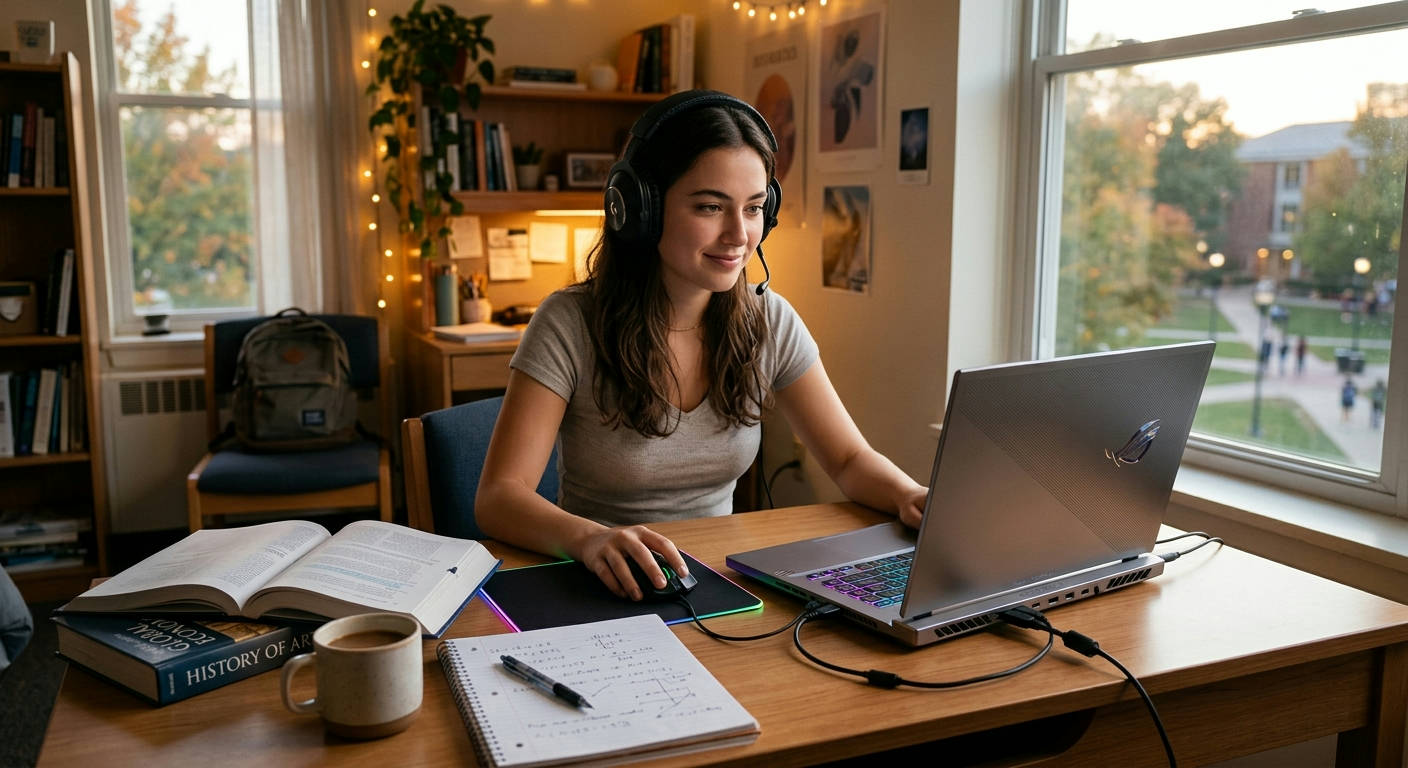
Finding the best laptops for gaming and school balance feels like an impossible mission. You need a machine that can crush high-frame-rate gameplay in Cyberpunk 2077 after class, but also one that doesn't die halfway through a two-hour lecture or weigh as much as a cinder block. It’s a tightrope walk between a powerful GPU and all-day battery life, between a flashy RGB keyboard and a professional, understated design you can actually take to the library.
We get it. You’re not just looking for a gaming rig or a study tool; you need a true hybrid. Here at Laptop Review Pro, we've spent weeks testing the latest 2026 models to identify the champions of compromise. These are the machines that deliver knockout performance without the usual baggage.
What Actually Matters: Spec Breakdown for the Hybrid User
Before we dive into the list, let's cut through the marketing noise. When you’re hunting for a laptop that does double duty, the priority of specs shifts dramatically. What makes a great pure gaming laptop can make for a terrible student machine.
Here's a quick cheat sheet on where to focus your attention:
- The Graphics Card (GPU): This is your gaming engine. For 1080p gaming, an NVIDIA GeForce RTX 5050 or 5060 is the 2026 sweet spot. They offer incredible performance for the latest titles without completely destroying your battery or requiring a massive power brick. Anything more, like a 5070, is fantastic but often means more weight and less endurance.
- The Processor (CPU): Don't over-index on the CPU. A modern Intel Core Ultra 7 or an AMD Ryzen 7 9000 series chip is more than enough for gaming and will absolutely fly through any school task, from coding projects to video editing. The latest chips also have powerful integrated NPUs (Neural Processing Units) that accelerate AI tasks and improve power efficiency.
- RAM: 16GB is the absolute minimum. 32GB is the ideal target for 2026, as it gives you the headroom to run a demanding game, have dozens of browser tabs open for research, and switch between them without a hiccup.
- Display: Look for a screen with a high refresh rate (120Hz or more) for smooth gaming, but also pay attention to color accuracy (100% sRGB) and brightness (at least 300 nits). A bright, color-accurate screen makes reading text and viewing media much more pleasant. The display is one area where good Typography Post Elements really shine.
- Battery Life: This is the make-or-break spec. A gaming laptop that lasts only 2 hours off the charger is useless for school. Aim for a model that can deliver at least 6-8 hours of light productivity (web browsing, document editing).
Component Priority: Gamer vs. Student vs. Balanced User
This table breaks down what different users should prioritize. Finding the best laptops for gaming and school balance means living in that middle column.
| Component | Pure Gamer Priority 🎮 | Pure Student Priority 🧠 | Balanced User Priority ⚖️ |
|---|---|---|---|
| GPU | 🔴 Maximum | 🟢 Low | 🟡 High |
| CPU | 🟡 High | 🟡 High | 🟡 High |
| Battery Life | 🟢 Low | 🔴 Maximum | 🔴 Maximum |
| Weight/Portability | 🟢 Low | 🔴 Maximum | 🟡 High |
| Keyboard/Trackpad | 🟡 High | 🔴 Maximum | 🔴 Maximum |
| Build/Design | 🟢 Low | 🟡 High | 🟡 High |
The 7 Best Laptops for Gaming and School Balance in 2026
We've tested, benchmarked, and carried these laptops around campus. Here are the top contenders that truly nail the dual-purpose challenge.
1. ASUS ROG Zephyrus G14 (2026)
The Zephyrus G14 has been the king of this category for years, and the 2026 model solidifies its reign. It’s incredibly powerful for its size, wrapped in a clean, professional-looking CNC aluminum chassis that doesn't scream "gamer" when you pull it out in a coffee shop.
- Pros:
- Exceptional performance from its AMD Ryzen 9 CPU and NVIDIA RTX 5060 GPU.
- Stunning 14-inch OLED display with a 120Hz refresh rate.
- Surprisingly good battery life for a gaming machine (7-9 hours of productivity).
- Lightweight and compact, making it a breeze to carry around.
- Cons:
- Can get hot under sustained gaming loads.
- RAM is partially soldered, limiting future upgrade potential.
The G14 is the perfect "sleeper" laptop. It’s a performance beast hiding in plain sight. It’s lightweight enough for your backpack but powerful enough to handle any AAA game you throw at it. For the student who wants top-tier gaming without compromises on portability and aesthetics, this is the one to beat.
2. Razer Blade 15
Razer has perfected the "MacBook for gamers" aesthetic, and the Blade 15 continues that legacy. Its unibody aluminum chassis is incredibly rigid and premium. It’s a bit heavier than the G14 but packs a larger 15-inch screen and often slightly more powerful component options.
- Pros:
- Superb build quality that feels incredibly durable.
- Excellent keyboard and a massive, best-in-class glass trackpad.
- Wide range of configurations, from RTX 5060 up to a 5070.
- Vapor chamber cooling system keeps performance stable.
- Cons:
- It's expensive; you pay a premium for the Razer brand and build.
- Battery life is just average, typically 5-6 hours for non-gaming tasks.
The Blade 15 is for the student who values premium design and build quality above all else. It performs exceptionally well in games and looks the part in a professional setting. If you have the budget, it's a fantastic choice that feels like it will last for years.
3. HP Omen Transcend 14
HP's Omen line has become a serious contender, and the Transcend 14 is their direct answer to the Zephyrus G14. It focuses on a thin-and-light chassis, a gorgeous OLED screen, and a surprisingly cool-and-quiet thermal solution for its size.
- Pros:
- One of the lightest 14-inch gaming laptops available.
- Beautiful 2.8K 120Hz OLED panel is amazing for media and gaming.
- The keyboard is comfortable for long typing sessions.
- Subtle design with optional per-key RGB that can be turned to a simple white.
- Cons:
- Performance is slightly behind the Zephyrus G14 due to a lower power limit on the GPU.
- The chassis can show fingerprints easily.
The Omen Transcend 14 is an excellent alternative if portability is your absolute top priority. It gives up a tiny bit of raw power for a lighter frame and a very quiet fan profile, making it an ideal companion for quiet libraries or lecture halls.
4. Dell G16 Gaming Laptop
If you want the most gaming power for your dollar, the Dell G16 is a beast. It eschews the premium metals of the others for a robust plastic chassis, allowing Dell to pack in more powerful components at a lower price point.
- Pros:
- Incredible value for the performance you get.
- Often features a higher-wattage GPU than competitors at the same price.
- Good port selection and easily upgradeable RAM and storage.
- 16-inch QHD screen with a 16:10 aspect ratio is great for both gaming and productivity.
- Cons:
- It's heavy and bulky; not the easiest to lug around campus.
- The design is more "gamer-focused" and less subtle.
- Battery life is a clear weak point.

The G16 is for the student who prioritizes gaming performance over everything else but still needs a machine for schoolwork. You'll need to be near a power outlet most of the time, but when you are, this laptop delivers desktop-level gaming experiences.
5. Lenovo Legion Slim 5 (14-inch)
Lenovo's Legion series is known for its fantastic keyboards and efficient cooling. The Slim 5 is their portable powerhouse, offering a brilliant OLED screen and solid performance in a chassis that is professional and durable.
- Pros:
- Best-in-class keyboard; a dream for typing essays.
- Excellent thermal management keeps the laptop cool and quiet during light tasks.
- Clean, minimalist design that fits in anywhere.
- Great software suite for managing performance profiles.
- Cons:
- Not as powerful as the top-tier Zephyrus G14.
- The 14-inch model can be hard to find in stock.
The Legion Slim 5 is for the student who writes… a lot. If keyboard comfort and a quiet operating experience are high on your list, this is your machine. It still games very well, but its real strength is its user experience for everyday productivity.
6. Acer Predator Triton 14
Acer's Triton series aims for a thin-and-light gaming experience, and the Triton 14 is a compelling option. It often undercuts the competition on price while offering similar specs and a very bright, high-quality Mini-LED display option.
- Pros:
- Very competitive pricing for an RTX 5060-equipped laptop.
- The optional Mini-LED screen is incredibly bright and has great contrast.
- Solid performance for its thin profile.
- Cons:
- Fan noise can be loud under load.
- Build quality isn't as premium as Razer or ASUS.
The Triton 14 is the value champion in the premium portable space. It delivers 90% of the experience of the Zephyrus G14 for a noticeable discount. If you want a great screen and high-end power without the highest-end price tag, the Triton 14 is a smart pick.
7. Alienware x14 R3
Alienware is famous for its bold designs, but the x14 series is their attempt at a more portable form factor. It's incredibly thin, featuring a unique hinge-forward design and a futuristic aesthetic that stands out.
- Pros:
- Extremely thin and futuristic design.
- High-quality display with G-SYNC support.
- Comfortable keyboard and solid build quality.
- Cons:
- Performance is constrained by the ultra-thin chassis.
- Limited port selection due to its design.
- It carries the "Alienware tax" – a premium price.
The x14 R3 is for the student who wants a statement piece. It’s a head-turner that performs well, though not as well as thicker rivals. It's a testament to engineering, packing a gaming-capable GPU into a chassis barely thicker than some non-gaming ultrabooks.
The Verdict: The Absolute Best Laptop for Gaming and School Balance
After all our testing, the ASUS ROG Zephyrus G14 (2026) stands tall as our top recommendation.
It's the machine that makes the fewest compromises. It's light enough to forget it's in your bag, powerful enough to play any new release at high settings, has a battery that can confidently get you through a day of classes, and features a design that is both beautiful and understated. It’s the complete package.
A laptop that screams 'gamer' in a lecture hall is as out of place as a textbook at a LAN party. The goal is stealthy power, and the Zephyrus G14 is the master of disguise.
While the Razer Blade 15 has a more premium build and the Dell G16 offers more raw power for less money, the Zephyrus G14 strikes the perfect, elusive balance. It is the definitive answer for the student who refuses to choose between their grades and their gaming.
FAQs: Your Questions Answered
Is an RTX 5050 GPU enough for 2026?
For 1080p gaming, absolutely. You'll be able to play most modern titles at medium-to-high settings with solid frame rates. According to the latest Steam Hardware Survey trends, the xx50 and xx60 tier cards remain the most popular for a reason—they hit the price-to-performance sweet spot.
Should I get a 14-inch or 16-inch laptop?
This is pure personal preference. A 14-inch laptop is significantly more portable and easier to use on small lecture hall desks. A 16-inch screen is more immersive for gaming and better for multitasking, but it comes with a major penalty in weight and bulk. We lean towards 14-inch models for the best balance.
How important is a MUX switch?
Very important. A MUX switch allows the laptop to bypass the power-saving integrated graphics and connect the dedicated GPU directly to the display. This can boost gaming performance by 5-10%, a significant margin. All the laptops on our list include one.
What about MacBooks?
While the latest Apple Silicon MacBooks are incredibly powerful and efficient for schoolwork, their gaming library is still extremely limited compared to Windows. If gaming is a serious hobby, a Windows laptop is the only practical choice for now.
