
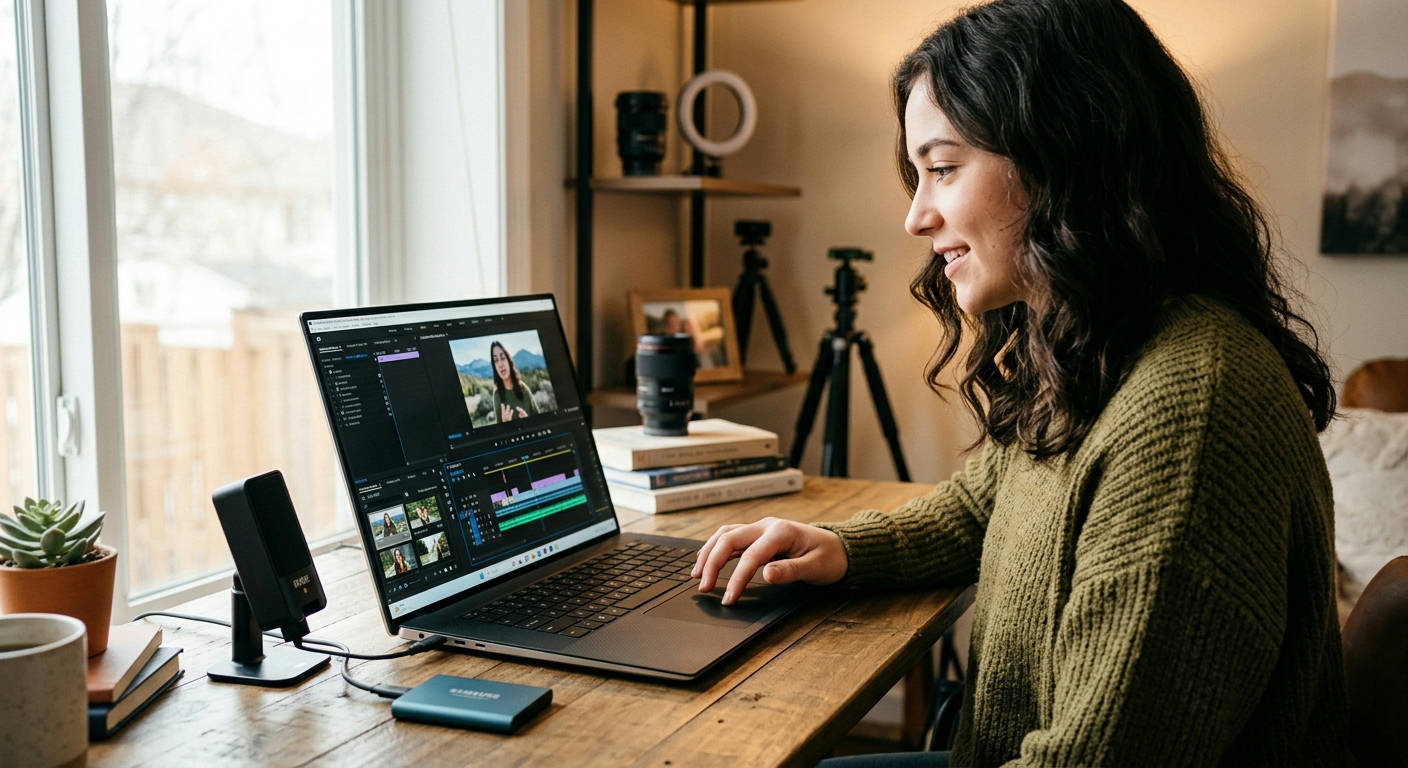
Stop scrolling through endless reviews. You need a video editing workhorse that won't destroy your bank account, and finding the best laptops for YouTube video editing under 1500 dollars feels like a mission impossible. It's not. Forget the marketing fluff and brand loyalty—what you need is raw performance, a killer display, and enough speed to stop you from throwing your machine out the window during a 4K render. This guide cuts through the noise to give you exactly that.
We're breaking down the specs that actually matter in 2026, not the ones that just look good on a box. We'll then dive into our top 7 picks available on Amazon right now, detailing the good, the bad, and who each machine is perfect for. Get ready to finally find a laptop that can keep up with your creative ambition.
What REALLY Matters in a Video Editing Laptop in 2026?
You can't just pick a laptop with a flashy logo and hope for the best. Video editing is a demanding task that punishes weak hardware. If you want to scrub through 4K timelines without lag and render your final project in minutes instead of hours, you need to focus on the core components.
The CPU: Your Editing Engine
Think of the Central Processing Unit (CPU) as the brain of your operation. For video editing, this is where the heavy lifting happens, especially with encoding and decoding video files. A weak CPU means a choppy timeline and excruciatingly long export times.
In 2026, don't even consider anything less than an 8-core processor. For smooth 4K editing, you should be targeting 10-14 cores. Look for models like the Intel Core Ultra 7 series or the AMD Ryzen 7 8000-series and newer. These chips are built for multitasking and sustained performance, which is exactly what editing software craves.
The GPU: More Than Just for Gaming
Your Graphics Processing Unit (GPU) is your rendering and effects powerhouse. While the CPU does a lot of the initial work, the GPU's dedicated VRAM and processing cores (like NVIDIA's CUDA cores) accelerate tasks like color grading, applying visual effects, and, most importantly, rendering the final video.
For a budget under $1500, the sweet spot is a dedicated NVIDIA GeForce RTX 4050 or RTX 4060. These cards provide a massive performance boost in applications like DaVinci Resolve and Adobe Premiere Pro, leveraging hardware acceleration to slash render times. Integrated graphics just won't cut it for serious YouTube content creation.
RAM: Don't Skimp on Memory
Random Access Memory (RAM) is your laptop's short-term workspace. The more complex your project—multiple video layers, high-resolution clips, and motion graphics—the more RAM you'll need. Running out of RAM is the number one cause of program crashes and frustrating lag.
In 2026, 16GB of the latest DDR5 RAM is the absolute minimum. Honestly, if you can find a configuration with 32GB within your budget, grab it. It's the single biggest quality-of-life upgrade you can make for a smoother, crash-free editing experience, especially if you plan on working with 4K footage.
Storage: Speed Kills (Lag)
The speed of your storage drive affects everything from how fast your laptop boots up to how quickly your editing software loads project files and media assets. There is only one choice here: a fast NVMe (Non-Volatile Memory Express) Solid State Drive (SSD). They are orders of magnitude faster than old-school hard drives (HDDs).
Aim for at least a 1TB NVMe SSD. Video files are enormous, and a 512GB drive will fill up astonishingly fast. You can always use external drives for archiving, but your operating system, software, and active project files need to live on that speedy internal drive.
Our Top 7 Picks for the Best Laptops for YouTube Video Editing Under 1500
We've done the homework for you. After analyzing dozens of 2026 models based on their raw performance, display quality, and overall value, we've narrowed it down to the seven best contenders you can buy on Amazon today.
1. Acer Nitro V 16 Creator (2026)
The Acer Nitro series has shed its "gaming-only" skin and emerged as a powerhouse for creators on a budget. The 2026 model packs a serious punch without the aggressive aesthetics of its predecessors.
Pros:
- Excellent performance for the price with a Ryzen 7 CPU and RTX 4060 GPU.
- Strong cooling system that prevents thermal throttling during long renders.
- Good port selection, including USB4 for fast external drives.
Cons:
- The display is bright but color accuracy is just average (around 95% sRGB).
- Build is mostly plastic, feeling less premium than some rivals.
Quick Summary: This is the workhorse of the group. If your priority is pure, unadulterated performance per dollar for editing and rendering, the Nitro V 16 is incredibly hard to beat. It sacrifices a bit on screen quality and build to deliver a spec sheet that punches well above its price tag.
2. ASUS ProArt StudioBook 15 (2026)
ASUS designed the ProArt line specifically for creative professionals. This machine focuses heavily on delivering a top-tier visual experience, making it perfect for creators who are meticulous about color grading.
Pros:
- Stunning QHD display with 100% DCI-P3 color gamut—rare at this price point.
- Sleek, professional design with a solid aluminum chassis.
- Processor and GPU combo (Core Ultra 7 and RTX 4050) is well-balanced for creative tasks.
Cons:
- Slightly less raw GPU power than the Acer Nitro.
- Often comes with 16GB of RAM, so a 32GB model might push the budget.
Quick Summary: The ProArt StudioBook 15 is for the visual artist. If your YouTube content relies heavily on cinematic color and precise grading, the superior screen on this machine is a game-changer. It’s the best choice for those who value display accuracy above all else.
3. Dell G16 Creator Edition (2026)
Dell's G-series laptops offer a fantastic blend of performance and build quality. The G16 Creator Edition is a robust machine that feels durable and is configured to handle demanding creative workloads without breaking a sweat.
Pros:
- Top-notch build quality that feels like it will last for years.
- Excellent keyboard and trackpad for a comfortable user experience.
- Powerful cooling allows the Intel Core Ultra 7 and RTX 4060 to run at full tilt.
Cons:
- Heavier and bulkier than some other options.
- The default screen option is good, but you'll want the upgraded QHD panel for the best experience.
Quick Summary: If you need a reliable, sturdy machine that you can depend on day in and day out, the Dell G16 is your pick. It's less about flash and more about substance, providing consistent, powerful performance in a package that's built to withstand a heavy workload.
4. Lenovo Legion Slim 5 Creator (2026)
The Legion series is famous in the gaming world, but the "Slim 5" variant is a surprisingly portable and potent option for video editors who need to work on the go.
Pros:
- Relatively thin and light for the amount of power it contains.
- Fantastic keyboard, a classic Lenovo strength.
- Well-calibrated 16-inch QHD display with high refresh rate and good colors.
Cons:
- Battery life is mediocre when performing demanding tasks.
- To fit the slim chassis, performance can be slightly lower than thicker laptops with the same specs.
Quick Summary: This is the choice for the mobile creator. If you're constantly editing in different locations—coffee shops, client offices, or on a plane—the Legion Slim 5's blend of portability and power is a perfect match.

"A powerful GPU isn't just for frames-per-second; it's for minutes-per-render. In 2026, GPU acceleration is the single most important factor for a fast video editing workflow."
5. HP Omen 16 Transcend (2026)
HP has seriously stepped up its game with the Omen series. The Transcend model offers a premium look and feel with a gorgeous Mini-LED display option that brings incredible brightness and contrast.
Pros:
- Optional Mini-LED display is class-leading for HDR content creation.
- Sleek, minimalist design that doesn't scream "gamer."
- Strong performance from its AMD Ryzen 7 and RTX 4060 configuration.
Cons:
- The Mini-LED model can sometimes hover right at the $1500 mark, or slightly above.
- Can run hot under extreme load, so a cooling pad is recommended.
Quick Summary: For the YouTuber creating HDR content, the Omen 16 Transcend is a dream machine. The Mini-LED screen provides a level of dynamic range that standard IPS panels can't touch, making your videos pop with vibrant color and deep blacks.
6. MSI Katana 15 Creator (2026)
MSI is known for pushing performance boundaries, and the Katana 15 is a no-frills, power-focused laptop that puts every dollar toward its CPU and GPU.
Pros:
- Often one of the most affordable ways to get an RTX 4060 GPU.
- Effective cooling system for sustained performance.
- User-upgradeable RAM and storage slots.
Cons:
- The display is its weakest point; often FHD with average color accuracy.
- Build quality is entirely plastic and the design is a bit dated.
Quick Summary: The MSI Katana 15 is the ultimate value proposition. It’s for the creator who says, "I don't care about looks or screen perfection, just give me the most rendering power for my money." It's a raw performance beast on a tight budget.
7. GIGABYTE AORUS 15 SE (2026)
The AORUS 15 Special Edition from GIGABYTE strikes a great balance between a high-quality display, strong performance, and a professional aesthetic.
Pros:
- High-quality QHD display with excellent color accuracy (near 100% DCI-P3).
- Robust cooling and a premium, understated chassis.
- Great I/O, including Thunderbolt 4 for connecting high-speed peripherals.
Cons:
- Can be at the very top of the $1500 price range.
- Keyboard layout may take some getting used to.
Quick Summary: The AORUS 15 SE is a fantastic all-rounder. It doesn't have any major weaknesses, offering a brilliant screen, powerful internals, and a professional look. It's an excellent choice for creators who need a machine that does everything well.
Diving Deeper: Display Quality is Non-Negotiable
A powerful CPU and GPU are useless if the image you're looking at is lying to you. A cheap, inaccurate screen can make your perfectly graded video look washed out or overly saturated on your viewers' devices.
Color Accuracy is King
You need a display that can accurately reproduce the colors you're working with. This is measured in color gamut coverage. For video editing, you should look for a laptop that covers at least 100% of the sRGB color space. For more professional work, targeting a high coverage of the wider DCI-P3 gamut (90%+) is ideal, as this is the standard for digital cinema. The ASUS ProArt and GIGABYTE AORUS models on our list excel here.
Resolution and Brightness
While 4K laptop screens exist, they are rare and power-hungry in this price range. A QHD (2560×1440) resolution is the perfect middle ground for a 15- or 16-inch screen, providing a sharp image without an excessive performance penalty. For brightness, 300 nits is the minimum acceptable level, but 400 nits or more will ensure you can see your screen clearly even in a brightly lit room.
Comparing the Contenders: A Head-to-Head Breakdown
Let's put some of our top picks side-by-side to make your decision easier. This table highlights the key differences that matter most for video editing.
| Laptop Model | CPU / GPU | RAM | Display Quality (Color) | Verdict |
|---|---|---|---|---|
| Acer Nitro V 16 | AMD Ryzen 7 / RTX 4060 | 16GB | Good (95% sRGB) | 💪 Powerhouse |
| ASUS ProArt StudioBook 15 | Intel Core Ultra 7 / RTX 4050 | 16GB | Exceptional (100% DCI-P3) | 🎨 Color King |
| Dell G16 Creator | Intel Core Ultra 7 / RTX 4060 | 16GB | Great (100% sRGB) | 🛡️ Built Tough |
| MSI Katana 15 | Intel Core Ultra 7 / RTX 4060 | 16GB | Average (90% sRGB) | 💰 Budget Champ |
The Final Verdict: Crowning the Champion
After extensive comparison, we have to make the call. While every laptop on this list is a fantastic option, they serve slightly different needs.
The Overall Winner: Dell G16 Creator Edition (2026)
The Dell G16 takes the crown for its incredible balance. It packs the powerful RTX 4060, a great QHD screen option, and a rock-solid build quality that inspires confidence. It doesn't have the absolute best screen or the lowest price, but it has no significant weaknesses, making it the most reliable all-around choice for the majority of YouTube creators.
The Best Value Pick: Acer Nitro V 16 Creator (2026)
If you have a strict budget and your main goal is to get the fastest rendering times possible, the Acer Nitro V 16 is the clear winner. It delivers RTX 4060-level performance at a price that often undercuts the competition, making it the king of pure performance-per-dollar.
Our Guide to Choosing the Best Laptops for YouTube Video Editing Under 1500
Ultimately, the right choice is personal. If your workflow is 90% about editing and rendering speed, grab the Acer or MSI. If you are a visual artist whose final product lives and dies by its color grade, the ASUS ProArt StudioBook 15's superior screen is worth the slightly lower GPU power. For a do-it-all machine that feels premium and will last for years, the Dell G16 is the way to go.
The advice from our team of dedicated reviewers, which you can read more about on our Our Authors page, is to always prioritize the component that addresses your biggest bottleneck. If exports are taking forever, get a better GPU. If the timeline is stuttering, you need more RAM or a faster CPU.
Frequently Asked Questions (FAQs)
Is 16GB of RAM enough for 4K video editing in 2026?
It's the absolute bare minimum. You can edit 4K with 16GB, but you'll likely experience some slowdowns and may need to use proxies. For a genuinely smooth, frustration-free 4K workflow with multiple layers and effects, 32GB of RAM is strongly recommended.
Can I use a MacBook for YouTube video editing under $1500?
For very simple 1080p projects, a MacBook Air can work. However, in the sub-$1500 category in 2026, you will get significantly more performance from a Windows laptop. The dedicated GPUs (like the RTX 4050/4060) in these machines provide a massive advantage in rendering and effects acceleration that Apple's integrated graphics in this price bracket can't match, as detailed by the system requirements for software like Adobe Premiere Pro.
How important are ports like Thunderbolt 4 / USB4?
They are critically important. A Thunderbolt 4 or USB4 port allows you to connect ultra-fast external SSDs for editing directly off a drive, hook up high-resolution monitors, and use a single-cable docking station. It's a huge quality-of-life feature that future-proofs your workflow.
Choosing the right laptop is the single biggest investment you'll make in your YouTube channel's production quality. In 2026, the power available for under $1500 is staggering, but you have to be smart about it. Focus on a strong CPU/GPU combination, demand at least 16GB of RAM, and never, ever settle for a dim, inaccurate display. Pick the machine from this list that best fits your specific creative needs, and you'll have a reliable partner that will help you produce better content, faster.
If you still have questions or need a more personalized recommendation, don't hesitate to Get In Touch with our team. We're here to help you create.
