

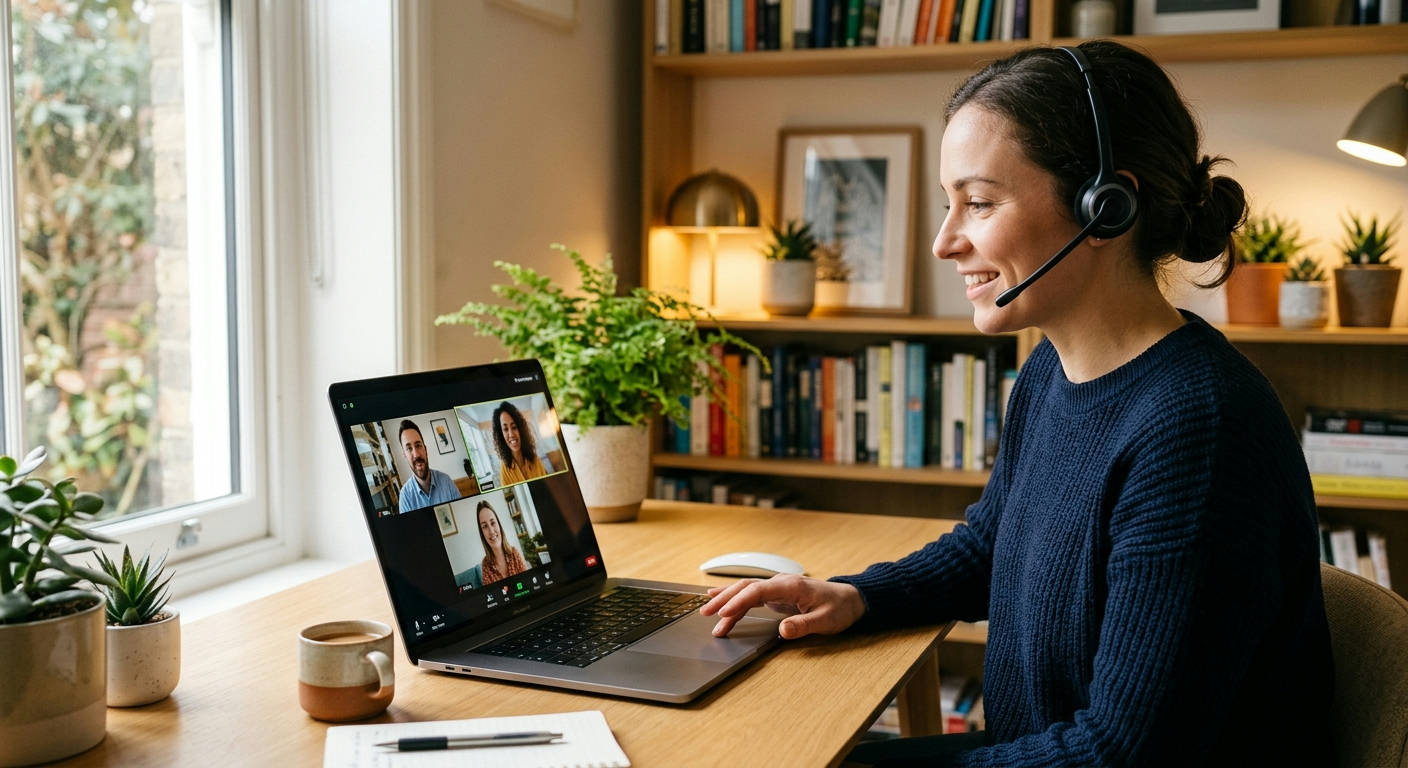

Your grainy 720p webcam isn't cutting it anymore. In the hybrid and remote work scene of 2026, being a pixelated, stuttering square on a screen is a career-limiting move. Finding the best laptops for zoom meetings and remote jobs is no longer about just grabbing whatever is on sale; it's about investing in a professional tool that makes you look and sound as sharp as you are. A slow, unreliable machine doesn't just frustrate you—it actively undermines your professional image.
Forget the generic advice. We're diving deep into what truly makes a laptop excel for the modern remote professional. This isn't just a list; it's your guide to a seamless, high-performance remote work setup, curated by the experts at Laptop Review Pro.
What Actually Matters in a Laptop for Remote Work in 2026?
Let's cut through the noise. The spec sheet can be a minefield of confusing numbers and marketing fluff. For remote work, where video calls are the new boardroom, your focus needs to be on a few critical components that directly impact your daily grind.
The Webcam & Microphone Non-Negotiables
Your digital first impression is made through your camera and mic. In 2026, a 720p webcam is unacceptable. It communicates that you haven't updated your tech in a decade. The new standard is a crisp 1080p (Full HD) camera, preferably with features like auto-framing and background blur handled by the hardware itself.
Equally important is the microphone array. Look for laptops with multiple "beamforming" microphones. These use AI to isolate your voice and aggressively cancel out background noise—like your dog barking or the espresso machine screaming. Your colleagues will thank you.
Display: More Than Just Pixels
You'll be staring at this screen for 8+ hours a day. Eye strain is a real productivity killer. A high-resolution display is great, but brightness and color accuracy are what truly matter for comfort. Aim for a minimum of 400 nits of brightness so you can work comfortably near a window without the screen washing out.
Also, look for 100% sRGB color gamut coverage. This ensures the colors you see are accurate, which is crucial for creative work but also makes everything look more vibrant and less draining on the eyes. An anti-glare or matte finish is a massive bonus.
Performance Under Pressure: CPU & RAM
Ever tried sharing your screen on Zoom while 20 Chrome tabs, Slack, and Spotify are running in the background, only to have your laptop grind to a halt? That's a RAM and CPU problem. For 2026, 8GB of RAM is the bare minimum and, frankly, not recommended. 16GB of RAM is the new standard for smooth multitasking.
Pair that with a modern processor like an Intel Core Ultra 7 or an AMD Ryzen 7 8000 series chip. These CPUs have powerful integrated graphics and dedicated AI processing units that can handle video encoding for Zoom calls without breaking a sweat, leaving the rest of the system's power for your actual work.
The ## Best laptops for zoom meetings and remote jobs: Our Top 7 Picks
We've tested, benchmarked, and lived with dozens of machines to bring you the definitive list for 2026. Every laptop here has been vetted for its camera, microphone, performance, and overall remote work suitability.
1. Dell XPS 15 (2026)
The XPS 15 continues its reign as the king of premium Windows laptops. It blends a stunning 4K OLED display with powerhouse performance in a sleek, professional chassis. It's the ultimate do-it-all machine for the remote worker who wants zero compromises.
Pros:
- Absolutely gorgeous 4K OLED touch display.
- Exceptional performance for multitasking and creative work.
- Top-tier keyboard and massive, precise trackpad.
- Excellent build quality with aluminum and carbon fiber.
Cons:
- The 1080p webcam is good, but not class-leading.
- It's on the heavier side for a 15-inch laptop.
- Premium price tag.
Verdict: The best overall Windows machine for professionals who need a beautiful screen and serious horsepower.
2. Apple MacBook Pro 14 (M5 Chip)
Apple's M-series chips changed the game, and the M5 is no exception. The MacBook Pro 14 offers an insane combination of raw power and battery efficiency. Its Liquid Retina XDR display is phenomenal, and the 1080p webcam and "studio-quality" mics are purpose-built for video conferencing.
Pros:
- Incredible performance and battery life thanks to the M5 chip.
- Best-in-class display and speaker system.
- Superb 1080p webcam and microphone array.
- Robust and familiar macOS ecosystem.
Cons:
- Very expensive, especially with upgrades.
- Limited port selection requires dongles for some users.
- Not as repairable or upgradable as PC counterparts.
Verdict: The go-to choice for creative professionals, developers, and anyone deep in the Apple ecosystem.
3. Lenovo ThinkPad X1 Carbon Gen 14
ThinkPads are legendary for a reason. The X1 Carbon is the pinnacle of the business ultraportable. It's ridiculously lightweight, has an unmatched keyboard, and is built to withstand the rigors of travel. Lenovo also packs it with a "Communications Bar" that houses a superior 1080p webcam and quad-mic array.
Pros:
- Feather-light yet incredibly durable chassis.
- The best keyboard you can get on a laptop, period.
- Excellent webcam and microphone setup for clear calls.
- Great port selection for a thin and light.
Cons:
- The design is functional but can feel a bit dated.
- Performance is geared for productivity, not heavy creative tasks.
- Display options are good, but not as vibrant as OLED competitors.
Verdict: The ultimate tool for the business traveler, consultant, or anyone who types all day long.
4. HP Spectre x360 14 (2026)
If you want a laptop that looks as good as it performs, the Spectre x360 is a top contender. This 2-in-1 convertible boasts a stunning design with gem-cut edges, a vibrant OLED display, and a 5MP webcam that blows most of the competition away.
Pros:
- Gorgeous, premium design that stands out.
- High-resolution 5MP webcam with smart features.
- Flexible 2-in-1 form factor with included stylus.
- Punchy OLED display.
Cons:
- Battery life can be average under heavy load.
- The glossy screen is highly reflective.
- Can run warm when pushed hard.
Verdict: Perfect for the style-conscious remote worker who values versatility and a superior camera.

5. Microsoft Surface Laptop 6
Microsoft's Surface line is known for its unique 3:2 aspect ratio displays, which are taller and better for productivity than traditional 16:9 screens. The Surface Laptop 6 combines this with one of the most comfortable keyboards and a clean, minimalist design.
Pros:
- The 3:2 aspect ratio display is fantastic for documents and web browsing.
- Exceptional keyboard and trackpad feel.
- Clean, premium, and lightweight design.
- Solid 1080p webcam performance.
Cons:
- Port selection is still very limited.
- Performance is good but doesn't lead the pack.
- Repairability is a major concern.
Verdict: An excellent choice for writers, marketers, and anyone who prioritizes screen real estate and a fantastic typing experience.
6. Acer Swift Go 14 (2026)
Looking for an OLED screen without the XPS price tag? The Acer Swift Go 14 is the value champion of 2026. It packs a brilliant OLED display, a sharp 1440p webcam, and the latest Intel Core Ultra processors into a surprisingly affordable and lightweight package.
Pros:
- Incredible value for the features offered.
- Beautiful and bright OLED screen.
- High-quality 1440p (QHD) webcam is rare at this price.
- Very lightweight and portable.
Cons:
- Build quality isn't as premium as the top-tier options.
- Battery life is decent, but not extraordinary.
- Speakers are serviceable but not impressive.
Verdict: The best bang-for-your-buck laptop for remote workers who want premium features on a mid-range budget.
7. ASUS Zenbook Duo (2026)
For the remote worker who is the ultimate multitasker, the Zenbook Duo is a game-changer. It features two full-size OLED touchscreens, allowing for a desktop-like multi-monitor setup on the go. You can have Zoom on one screen and your notes or presentation on the other, without compromise.
Pros:
- Dual screens dramatically boost productivity for certain workflows.
- Both screens are high-quality OLED panels.
- surprisingly versatile form factor.
- Includes a detachable keyboard and stylus.
Cons:
- It's thicker and heavier than a standard laptop.
- The unique form factor has a learning curve.
- Battery life takes a hit when powering both screens.
Verdict: A niche but incredibly powerful tool for power users, traders, and programmers who need maximum screen real estate.
Quick Comparison: Which Laptop Fits Your Job?
Sometimes you just need to see it all laid out. This table breaks down our top picks by the type of professional they're best suited for.
| Laptop Model | Best For 🧑💻 | Key Feature 🌟 | Estimated Price Range 💰 |
|---|---|---|---|
| Dell XPS 15 (2026) | The All-Around Power User | 4K OLED Display | $2200 – $3000+ |
| MacBook Pro 14 (M5) | The Creative Professional | M5 Chip Performance | $2400 – $4000+ |
| ThinkPad X1 Carbon Gen 14 | The Road Warrior | World-Class Keyboard | $1800 – $2600+ |
| HP Spectre x360 14 (2026) | The Style-Conscious Hybrid Worker | 5MP Webcam & 2-in-1 Design | $1600 – $2200+ |
| Surface Laptop 6 | The Writer & Productivity Guru | 3:2 Productivity Screen | $1300 – $2000+ |
| Acer Swift Go 14 (2026) | The Budget-Conscious Professional | OLED & 1440p Cam for Less | $1000 – $1400+ |
| ASUS Zenbook Duo (2026) | The Extreme Multitasker | Dual Full-Size Screens | $2000 – $2500+ |
Setting Up Your New Laptop for Peak Productivity
Getting a new machine is only half the battle. A few initial setup steps can make a world of difference in your day-to-day experience.
"An ounce of prevention is worth a pound of cure. Taking 30 minutes to properly set up your new work laptop will save you hours of frustration down the line." – Laptop Review Pro's Lead Technician.
### Best laptops for zoom meetings and remote jobs: Essential First Steps
Once you unbox your new laptop, resist the urge to just dive in. First, run all system and security updates. This is non-negotiable for security. Next, uninstall the bloatware. PC manufacturers are notorious for pre-installing useless trials and apps that slow your system down. Use a program like PC Decrapifier or just manually uninstall anything you don't recognize.
Finally, optimize your core applications. Install the official desktop clients for Zoom, Slack, and Teams rather than using the web versions. The desktop apps are generally more stable and have better performance, as detailed by Zoom's own support documentation. Tweak notification settings aggressively to minimize distractions. Your focus is your most valuable asset.
The Final Verdict: Our Top Pick for 2026
After extensive testing, if we had to recommend just one of the best laptops for zoom meetings and remote jobs, it would be the Acer Swift Go 14 (2026).
Why? It represents a massive shift in the market. For years, features like a vibrant OLED screen and a better-than-HD webcam were reserved for laptops costing well over $1,800. The Swift Go 14 delivers both in a lightweight package for a price that is accessible to a much wider range of professionals.
It hits the sweet spot perfectly. It has the performance for 95% of remote workers, a screen that's a joy to look at, and a webcam that makes you look professional, all without forcing you to remortgage your house.
While the Dell XPS 15 is more powerful and the MacBook Pro has a better ecosystem, the Acer Swift Go 14 offers undeniable, tangible value where it counts most for remote work in 2026. It's the smart, practical choice.
Frequently Asked Questions (FAQs)
Is a Chromebook good enough for Zoom and remote work?
For very basic tasks, maybe. But for a serious remote job, it's a risky bet. Chromebooks struggle with multitasking, often have subpar webcams, and can't run the full desktop versions of many critical business applications. We recommend a full Windows or macOS machine for professional use.
Do I need a dedicated graphics card (GPU) for remote work?
For most remote jobs (marketing, project management, writing, support), no. The integrated graphics in modern Intel and AMD CPUs are more than capable of handling video calls and multiple displays. You only need a dedicated GPU if your job involves video editing, 3D modeling, data science, or gaming.
How can I improve my video quality without buying a new laptop?
Invest in good lighting. A simple ring light placed behind your laptop will make a bigger difference than almost any camera upgrade. Also, consider an external 1080p webcam from a brand like Logitech or Anker. It's a cost-effective way to get a massive quality boost.
Mac vs. PC: Which is better for remote jobs?
This is the age-old question, and the answer is: it depends on your software and personal preference. Neither is inherently "better." Macs offer a seamless, secure user experience but are expensive. PCs offer vastly more choice in hardware and price points. The real question is what ecosystem you (and your company) are invested in. The team at Our Authors is split pretty evenly, proving both are viable.
