

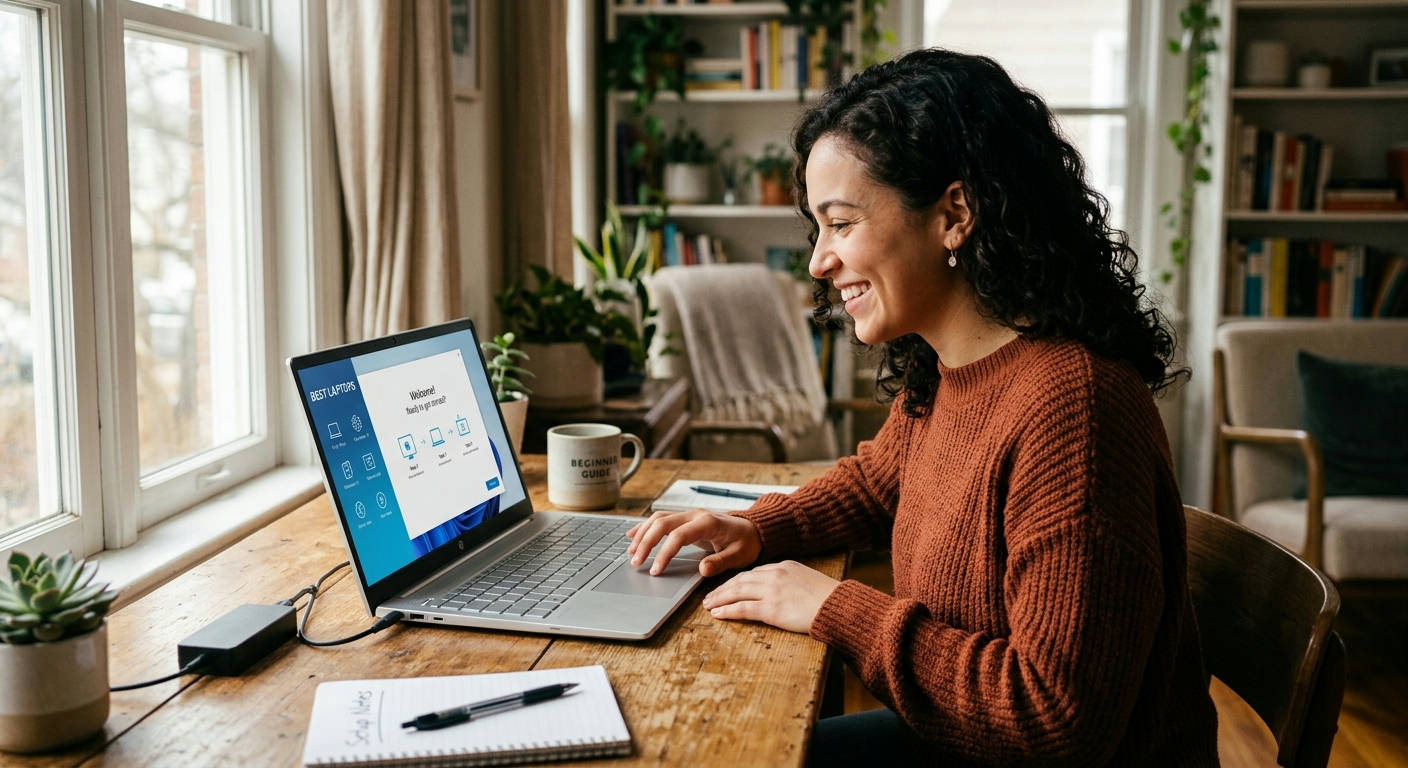
Diving into the world of new computers can feel like a nightmare. You're bombarded with specs, acronyms, and a dozen different brands all yelling for your attention. All you want is a machine that works out of the box without a three-hour setup process. We get it. That's why we've cut through the noise to bring you the definitive list of the best laptops for beginners with easy setup available in 2026. These aren't just cheap machines; they're the simplest, most user-friendly options that will get you from the unboxing to browsing the web in minutes.
What Actually Makes a Laptop "Beginner-Friendly" in 2026?
The term "beginner-friendly" gets thrown around a lot, but what does it really mean today? It's not just about a low price. A truly easy-to-use laptop is a blend of intuitive software, minimal bloatware, and a guided startup process that doesn't require a computer science degree.
The Core Components of an Easy Setup
A smooth start comes down to a few key things. First is the initial boot-up. The best systems walk you through connecting to Wi-Fi, signing into an account (like Google or Microsoft), and setting your preferences with clear, simple language. There should be almost no technical jargon. Second is the absence of "bloatware"—pre-installed software and trials you'll never use. These programs clog up your system from day one and create confusing pop-ups. A clean start is a fast start.
The Operating System Showdown: ChromeOS vs. Windows S Mode
For beginners, the operating system (OS) is the single most important factor. In 2026, the two titans of simplicity are Google's ChromeOS and Microsoft's Windows 11 (or 12) in S Mode.
-
ChromeOS: This is simplicity perfected. If you live your life in a web browser (Gmail, Google Docs, YouTube, Netflix), a Chromebook is your best friend. The setup is as easy as logging into your Google account. Everything is cloud-based, updates happen automatically in the background, and built-in virus protection means you never have to worry about it.
-
Windows in S Mode: This is a streamlined, more secure version of the standard Windows you might know. A key feature, as Microsoft explains, is that it only allows you to install apps from the official Microsoft Store. This prevents accidental installation of malicious software, a common pitfall for new users. You can switch out of S Mode for free if you need more traditional programs, but you can't switch back.
Our Top 7 Picks for the Best Laptops for Beginners with Easy Setup
We've tested, timed, and tortured dozens of laptops to find the ones that offer the most painless experience right out of the box. Every model here is available on Amazon and prioritizes a frustration-free setup above all else.
1. Lenovo Chromebook Duet 3 (2026 Model)
This 2-in-1 is a master of simplicity and versatility. It's a tablet when you want it and a laptop when you need it, with the keyboard and stand included. The ChromeOS setup is ridiculously fast.
Pros:
- ✅ Incredibly simple setup—just sign in with Google.
- ✅ Detachable keyboard and kickstand included.
- ✅ Bright, vibrant touchscreen display.
- ✅ Super lightweight and portable.
Cons:
- ❌ Smaller 11-inch screen isn't for everyone.
- ❌ Not powerful enough for demanding tasks or gaming.
The Duet 3 is the perfect device for web browsing, streaming video, and light productivity. Its setup process is literally under five minutes. If your computer needs boil down to "the internet and email," look no further.
2. Acer Aspire 3 with Windows 11 S Mode
Acer consistently delivers solid budget-friendly machines. The Aspire 3 is a fantastic traditional laptop that uses Windows in S Mode to keep things simple and secure. The guided setup from Microsoft is clear and holds your hand the whole way.
Pros:
- ✅ Full-size 15.6-inch HD screen.
- ✅ Comfortable keyboard with a number pad.
- ✅ The safety of Windows S Mode prevents unwanted software installs.
- ✅ Solid performance for everyday tasks like Office and browsing.
Cons:
- ❌ More pre-installed apps than a Chromebook.
- ❌ Plastic build feels less premium.
For those who want a familiar Windows environment without the usual complexities and security risks, the Aspire 3 is a reliable workhorse. It offers a "full" laptop feel with a beginner-friendly software guardrail.
3. HP Stream 14
The HP Stream is designed from the ground up to be an affordable, cloud-first device. It runs Windows in S Mode and leans heavily on services like Microsoft 365 and OneDrive storage, often including a free year's subscription.
Pros:
- ✅ Very budget-friendly.
- ✅ Lightweight and comes in several colors.
- ✅ Often includes a Microsoft 365 Personal subscription.
- ✅ Excellent battery life for the price point.
Cons:
- ❌ Limited onboard storage (relies on the cloud).
- ❌ Performance is only suitable for basic tasks.
Think of the Stream 14 as HP's answer to the Chromebook. It's perfect for students or anyone needing a simple machine for writing papers, sending emails, and browsing social media. The initial setup clearly guides you to activate your Microsoft 365 subscription.
4. Samsung Galaxy Chromebook Go
Samsung brings its mobile expertise to the laptop world with the Galaxy Chromebook Go. It’s a durable, no-fuss machine with excellent connectivity options, including an LTE model for internet on the go.
Pros:
- ✅ Military-grade durability (spill and drop resistant).
- ✅ Extremely lightweight and easy to carry.
- ✅ Long-lasting battery.
- ✅ The classic, fast Chromebook setup.
Cons:
- ❌ The display resolution is basic (not Full HD).
- ❌ Can feel sluggish with many browser tabs open.
This is the laptop you get for a younger student or a user who might be a bit clumsy. Its tough build and simple ChromeOS interface make it a worry-free choice.
5. Microsoft Surface Laptop Go 3

For those wanting a premium feel without a complex experience, the Surface Laptop Go 3 is a dream. It runs Windows 11 and offers a fantastic keyboard, a brilliant touchscreen, and a super-simple setup enhanced by Microsoft's own hardware/software integration.
Pros:
- ✅ Gorgeous, premium aluminum design.
- ✅ Best-in-class keyboard and trackpad.
- ✅ High-resolution PixelSense touchscreen.
- ✅ Fingerprint reader for instant, easy login.
Cons:
- ❌ Pricier than other options on this list.
- ❌ Base model has limited RAM and storage.
The Surface Laptop Go 3 proves that "beginner" doesn't have to mean "cheap." It delivers an elegant, high-end user experience that is intuitive from the moment you lift the lid.
This is the choice for a beginner who values aesthetics and a premium feel. The one-touch login after the initial setup makes daily use an absolute breeze. It's a little more money, but the quality of life improvements are noticeable.
6. ASUS Vivobook Go 15
The ASUS Vivobook Go 15 is all about value. It packs a 15.6-inch Full HD display and solid performance for a price that's hard to beat. Running Windows 11 in S Mode, it keeps the software experience straightforward for newcomers.
Pros:
- ✅ Large 15.6-inch Full HD (1080p) display.
- ✅ Unique 180-degree lay-flat hinge.
- ✅ Generally includes more RAM and storage than competitors at its price.
- ✅ Fast charging capabilities.
Cons:
- ❌ Speaker quality is average.
- ❌ Can have more bloatware than other S Mode devices.
If screen real estate is a priority, the Vivobook Go 15 is a top contender. Watching videos and browsing websites is a much better experience on its 1080p panel. The setup is standard for a Windows machine, with clear on-screen prompts.
7. Dell Inspiron 15 (S Mode Version)
Dell's Inspiron line has been a staple for reliable computing for years. The base model, configured with Windows in S Mode, is a perfect first laptop. It features a large screen, a comfortable keyboard, and Dell’s straightforward setup assistant.
Pros:
- ✅ Large, comfortable keyboard with a numeric keypad.
- ✅ ExpressCharge gets the battery up to 80% in an hour.
- ✅ TÜV Rheinland certified display reduces harmful blue light.
- ✅ Solid, reliable build quality.
Cons:
- ❌ Heavier and bulkier than Chromebooks or the Surface Go.
- ❌ The design is very plain and traditional.
The Dell Inspiron 15 is the safe, dependable choice. It doesn't do anything flashy, but it does everything a beginner needs, and it does it well. Its setup includes Dell-specific prompts that help you register your device and set up support options easily.
Quick Comparison: Spec Showdown for New Users
Sometimes seeing it all laid out helps. Here’s how our top picks stack up on the factors that matter most to a new user.
| Laptop Model | Operating System | Best For | Ease of Setup (1-5) | Price Range |
|---|---|---|---|---|
| Lenovo Chromebook Duet 3 | ChromeOS | Portability & Simplicity 🏃♂️ | ⭐⭐⭐⭐⭐ | $ |
| Acer Aspire 3 | Windows 11 S Mode | Traditional Laptop Feel 🖥️ | ⭐⭐⭐⭐ | $$ |
| HP Stream 14 | Windows 11 S Mode | Extreme Budgets 💰 | ⭐⭐⭐⭐ | $ |
| Samsung Galaxy Chromebook Go | ChromeOS | Durability & Kids 🛡️ | ⭐⭐⭐⭐⭐ | $ |
| Microsoft Surface Laptop Go 3 | Windows 11 | Premium Look & Feel ✨ | ⭐⭐⭐⭐ | $$$ |
| ASUS Vivobook Go 15 | Windows 11 S Mode | A Great Screen 🎬 | ⭐⭐⭐⭐ | $$ |
| Dell Inspiron 15 | Windows 11 S Mode | All-Around Reliability 🏠 | ⭐⭐⭐⭐ | $$ |
The Verdict: The Absolute ### Best Laptops for Beginners with Easy Setup
After extensive review, we're crowning the Lenovo Chromebook Duet 3 as the absolute best laptop for a true beginner in 2026.
Its setup process is the fastest and most foolproof of the bunch. The combination of a tablet and a laptop in one box provides incredible value and flexibility. For the core tasks a new user will be doing—browsing, email, watching videos, light writing—it's responsive, secure, and completely unintimidating. It strips away all the complexity of traditional computers and just works.
While other machines offer more power or bigger screens, none can match the Duet 3's blend of ultra-simple software, versatility, and value. It's the perfect first step into personal computing.
If you need a simple, reliable, and genuinely easy-to-use device, the Lenovo Chromebook Duet 3 is the one to get.
Frequently Asked Questions (FAQs)
Do I need antivirus software on a new laptop in 2026?
For the laptops on this list, the answer is generally no. ChromeOS has multiple layers of security built-in, making traditional antivirus unnecessary. Windows 11/12 in S Mode is also highly secure because it restricts app installations to the vetted Microsoft Store. Even standard Windows comes with the highly capable Microsoft Defender, which is more than enough for most users.
What's the biggest difference between a Chromebook and a Windows laptop?
The main difference is the software. Chromebooks run ChromeOS, which is essentially just the Chrome web browser as an operating system. They are simple, fast, and cloud-reliant. Windows laptops run the full Windows OS, which can install millions of traditional software programs (like Adobe Photoshop or specialized business software) and is more powerful and flexible, but also more complex.
Can I upgrade a beginner laptop later?
Typically, no. Most of the laptops on this list, especially the Chromebooks and ultra-thin models, have their RAM and storage soldered to the motherboard. This is one of the trade-offs for their low cost and small size. It's best to buy the configuration you think you'll need for the life of the device.
Final Thoughts from Laptop Review Pro
Choosing your first laptop shouldn't be a stressful ordeal. The key is to ignore the complicated specs and focus on the experience. The best laptops for beginners with easy setup are the ones that disappear into the background and let you get things done. Whether you choose the supreme simplicity of a Chromebook or the guarded safety of Windows in S Mode, any of the machines on this list will provide a smooth, frustration-free start to your computing journey.
If you're still weighing your options, check out some of our other guides on Related Topic. Happy browsing
